|
XBRate 7.0
Reinforced Concrete Cross Beam Load Rating
|
|
XBRate 7.0
Reinforced Concrete Cross Beam Load Rating
|
XBRate has only one report, the Load Rating Report.
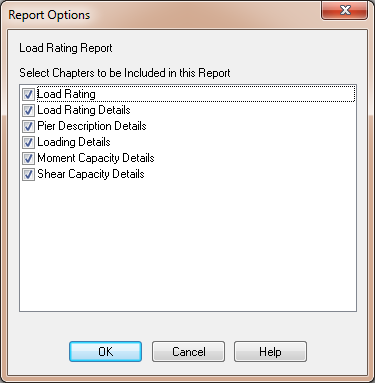
NOTE: If AutoCalc mode is turned off, select Project > Update Now to cause the report to be created. We'll learn more about AutoCalc mode later in this tutorial.
 1.9.4
1.9.4