|
XBRate 7.0
Reinforced Concrete Cross Beam Load Rating
|
|
XBRate 7.0
Reinforced Concrete Cross Beam Load Rating
|
XBRate projects are created from the standard project template. The template contains a default pier model, rating options, and placeholders for loads.
The first thing we have to do is start the BridgeLink application.
To create an XBRate project:
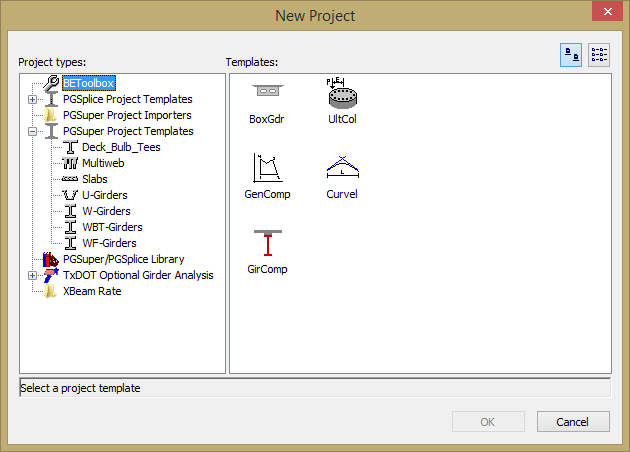
After the project is created, you are presented with the Pier View. You can see the default pier geometry isn't what we need. 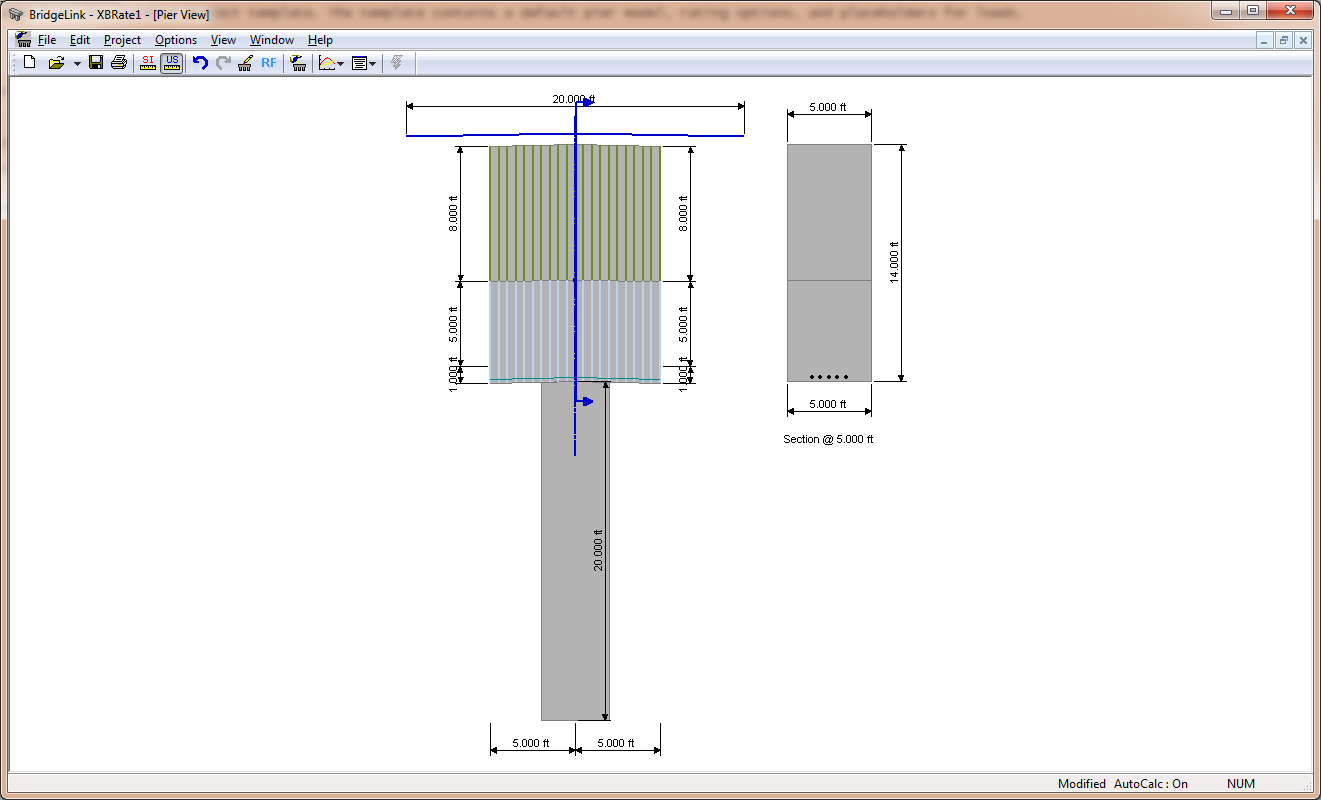
 1.9.4
1.9.4